
A terminal for working with agents.
Several worktrees at once, an agent in each, and a window that tells you which one needs you.
Ad-hoc signed, not notarised yet — right-click the app and choose Open the first time.
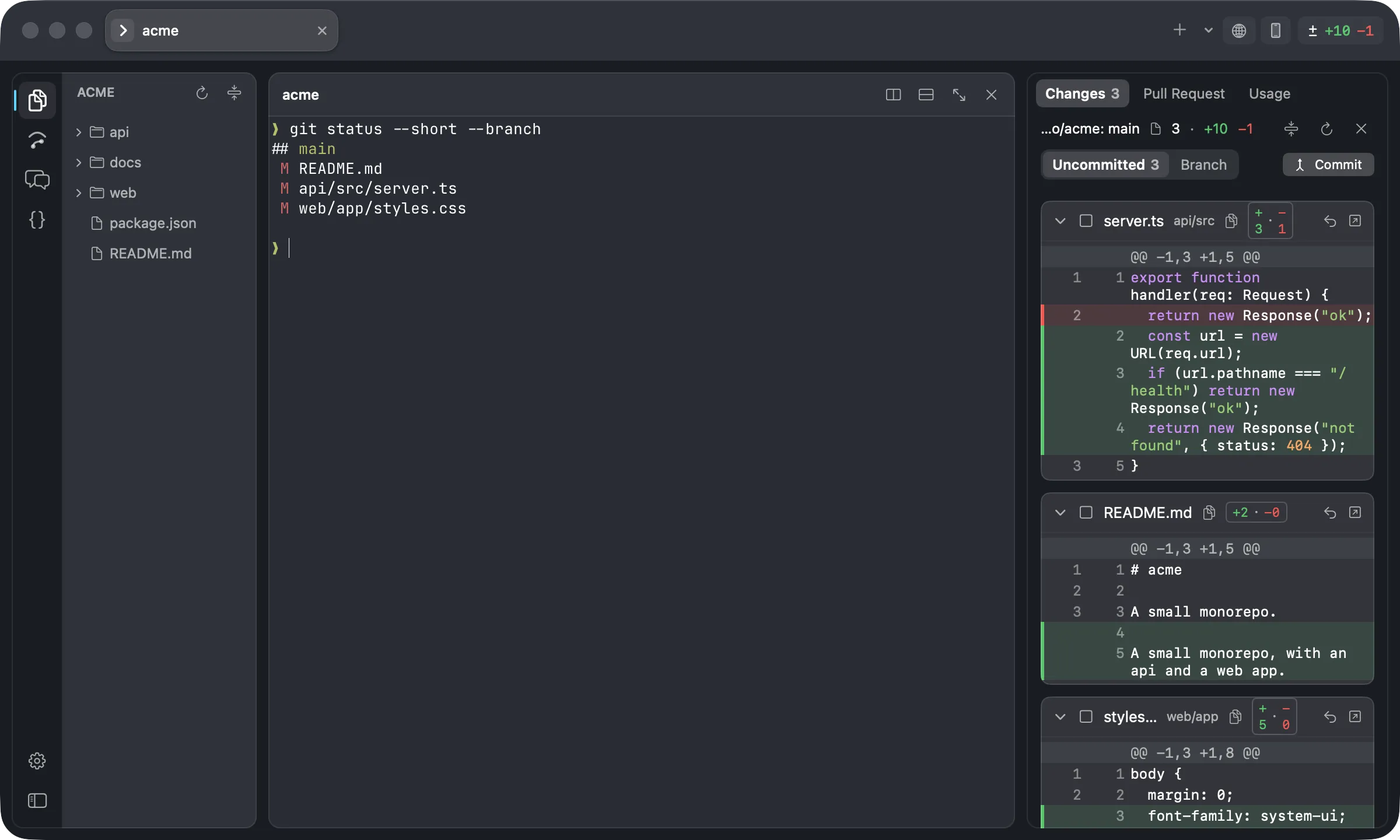
A terminal, and the diff the agent just produced, in the same window.

One island per checkout, coloured, with its own tabs — and one tab that joined nothing.
Status on every tab
A tab carries what it is — agent, server, shell, ssh — and what it is doing: working, done, failed, or waiting on you. Claude Code needs no setup for it; it already speaks the sequences Overterm listens for.
Agent Inbox
⌘I lists every agent waiting on you, with the question and its choices read off the screen. Approve, deny, or always allow, without hunting for the tab it came from.
Built on libghostty
The terminal is Ghostty's own, inside a Swift app. Your ~/.config/ghostty/config applies as it is — font, theme, keybinds — because Overterm writes its settings as an overrides file loaded after yours.
What it does
Ten agents, one window.
Group tabs into islands, one per checkout, each with its own colour. Collapse an island, stash it while it keeps running, or broadcast a line to every tab in it. ⌥⌘↓ jumps to the next tab that failed or needs you.
- Islands switch with ⌃⌘1 through ⌃⌘9.
- A new tab never silently joins an island.
- Notifications and a Dock badge for anything waiting.
Changes, with the reason.
The ± badge opens a diff beside the terminal: uncommitted work you can stage, discard or commit, or everything since the branch left its base. Each file can show why it changed, read from Claude Code's own session files on this Mac.
- Nothing leaves the machine to produce it.
- Intra-line marks, in the editor's colours.
- Overgit adds history, branches, stashes and a commit graph.
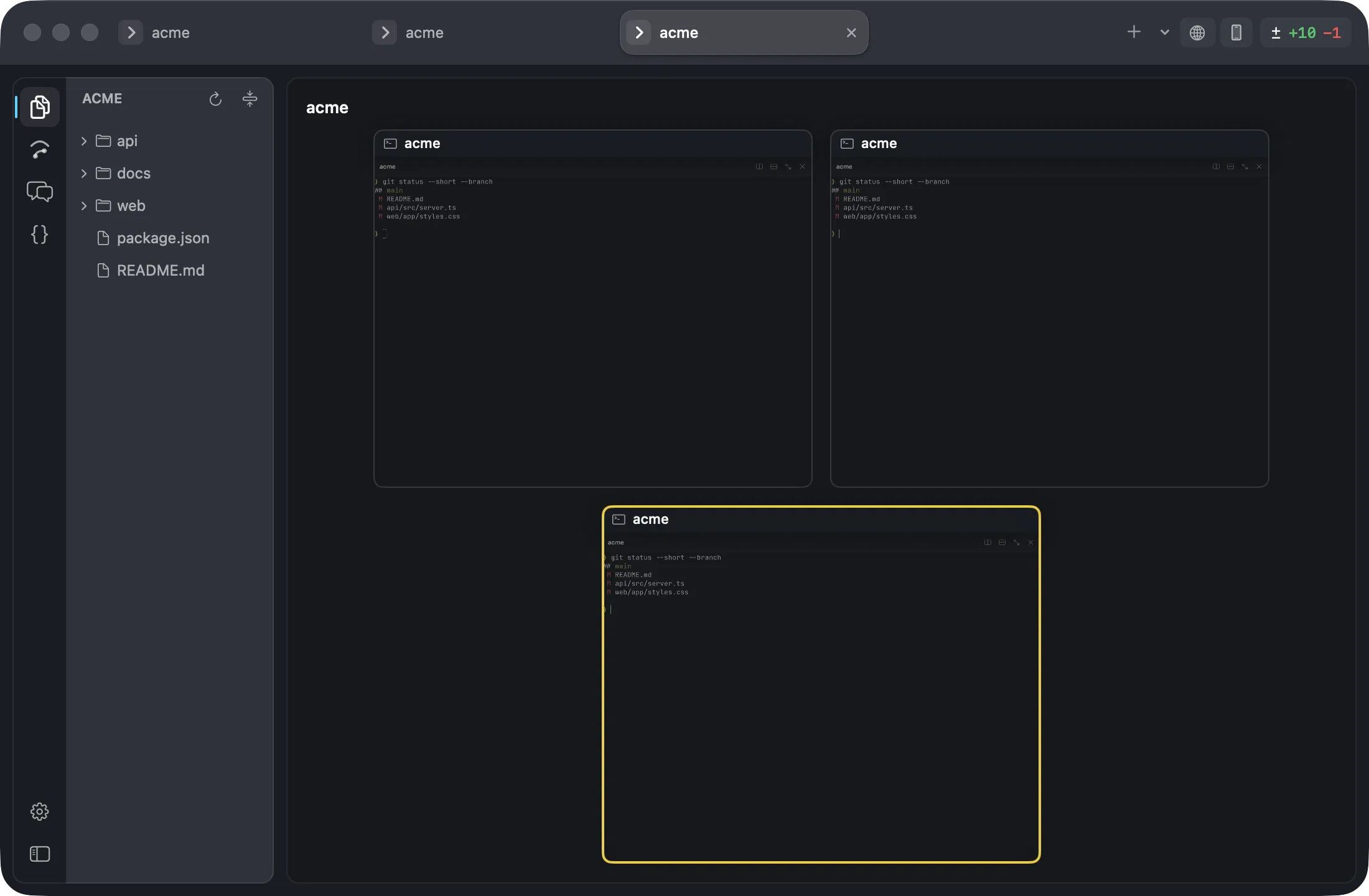
Every tab as a card.
Split a pane with ⌘D, or drag a tab onto one and it moves there with its pty and its scrollback. Tab Peek — ⇧⌘E, or three fingers down — shows every tab live at once, so you can see which one is asking before you switch to it.
- A 38pt pane header: what runs in it, its island, its ports.
- Failed a command? Copy output and Rerun are in the header.
- ⌘K searches history, snippets, actions, tabs and worktrees.
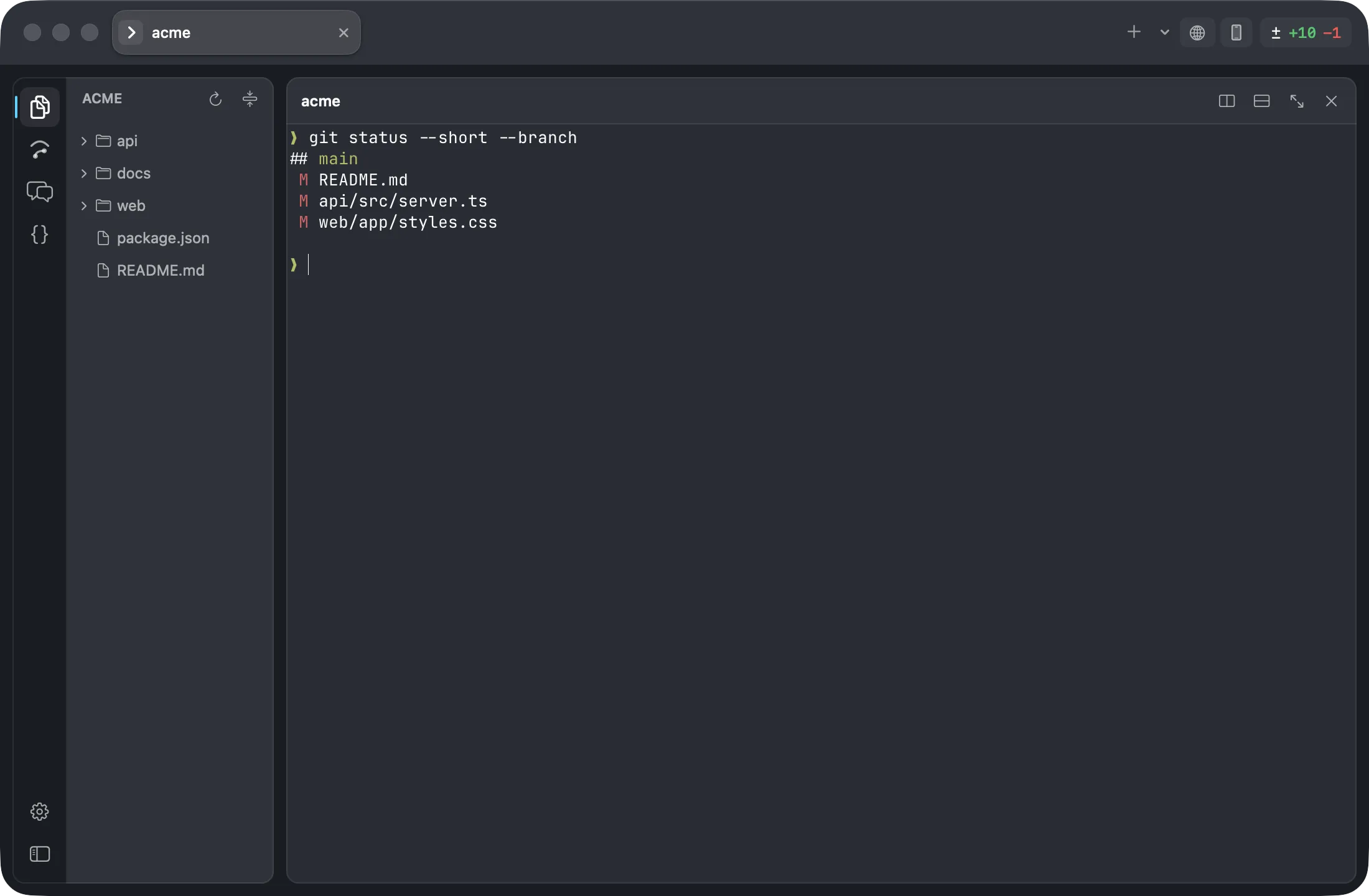
One step from task to agent.
⇧⌘N makes a worktree, a branch and an agent in it, in one step. When the branch merges, Overterm notices and offers to clean the worktree up.
Name the task
Overterm derives the branch and the worktree path from it.
Pick the agent
Claude, Codex, or a plain shell. Your default is a setting.
It opens in its own island
Coloured, named after the checkout, with the agent already running.
Install
A disk image, or the source.
Download the disk image
Open it and drag Overterm to Applications.
Open it once by right-clicking
The build is ad-hoc signed and not notarised, so macOS blocks a plain double-click the first time. Right-click the app and choose Open, or allow it from System Settings → Privacy & Security.
Or build it yourself
mise installs the pinned Zig, make ghosttykit builds the terminal core from Ghostty v1.3.1, and make install puts the app in /Applications.
What it needs
- macOS
- 13 or newer
- Mac
- Apple silicon
- Terminal core
- libghostty v1.3.1
- Built with
- Swift 6.1
- Licence
- MIT, open source from the first commit
Some panels use tools you already have: pull requests and CI read through your own gh, and the Simulator pane needs Xcode. Nothing is installed behind your back.
Documentation
Every setting, every key, and what to do when something will not start.
- Getting startedInstall it, open it the first time, and find your way around the window.
- Keyboard shortcutsThe whole default map. Every one of them is rebindable.
- settings.jsonEvery key, its default, and the Ghostty option it maps to.
- TroubleshootingQuarantine, gh, the Metal toolchain, and which Xcode builds it.
Pull requests are always open.
Overterm is MIT licensed and developed in the open. The issues are the shortest way in.